

Approve it.
Then make it.
Your next short starts from what already worked
Gate 1 script, then Gate 2 video.
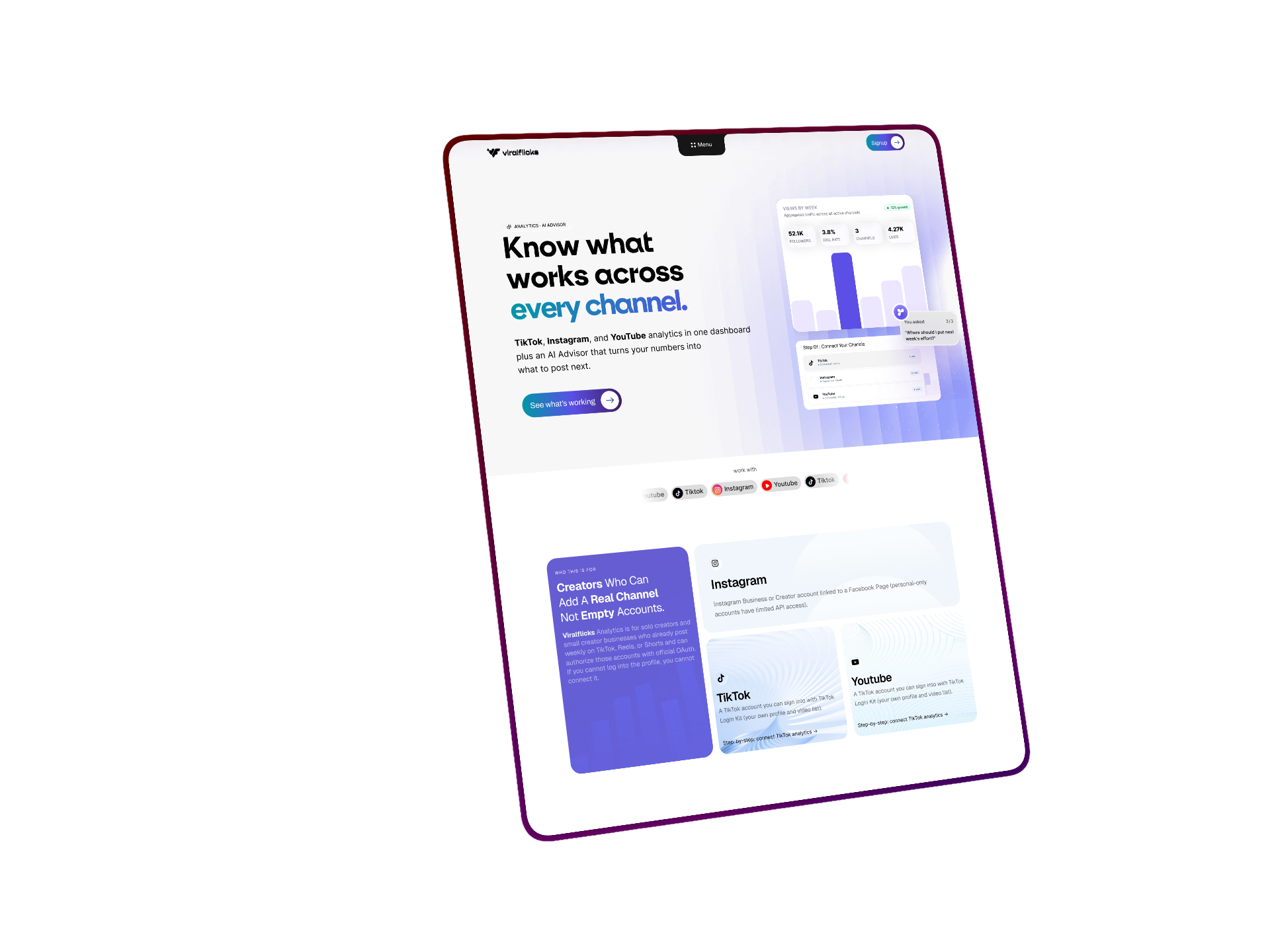

 One upload. Every platform. Zero busywork.
Insight. Script.
Render. Your yes twice.
Connect a channel, ask the Advisor, then generate. Render never starts until you approve the script. Publish never starts until you approve the video.

Different job
than the AI video crowd.
InVideo and VideoExpress race on blank-page demos. CapCut wins when you already filmed. Opus clips long into short. Viralflicks is for creators who already know their numbers then turn the next move into a draft under their control.
Decision→Approve script→Generate→Approve video→Publish

Two hard stops
No always-approve.
GATE 01
Approve the script
Edit the brief. Sign off. Only then does render enqueue — the block competitors skip for one-click funnels.
01
Approve script &
render,1 credit
Stop guessing your next short your last three hooks already held.
02
Approve script &
render,1 credit
Stop guessing your next short your last three hooks already held.
GATE 02
Approve the video
Watch the draft. Approve when it is yours. Publish stays closed until that click.
Questions creators ask first
How the two approval gates work, how this differs from prompt-only AI video tools, and what never happens without your click.
InVideo optimizes blank prompt → stock video. CapCut optimizes editing footage you already shot. Viralflicks starts from your connected analytics and Advisor — then requires you to approve the script and the video before anything publishes.
No. We do not compete on one-time “no monthly fees” generative demos. Pillar B is part of a creator OS: connect channels, decide what to make, approve, generate, approve again, then publish.
No. Analytics and the Advisor help you decide. Nothing publishes until you approve the script, approve the video, and choose to publish.
Never. Gate 1 blocks render until you approve the script. Gate 2 blocks the publish queue until you approve the video. There is no always-approve setting.
You get the best results after connecting a channel and using the Advisor. You can still open Generate with a brief, but the product is built for decision-to-video — not random prompts.